

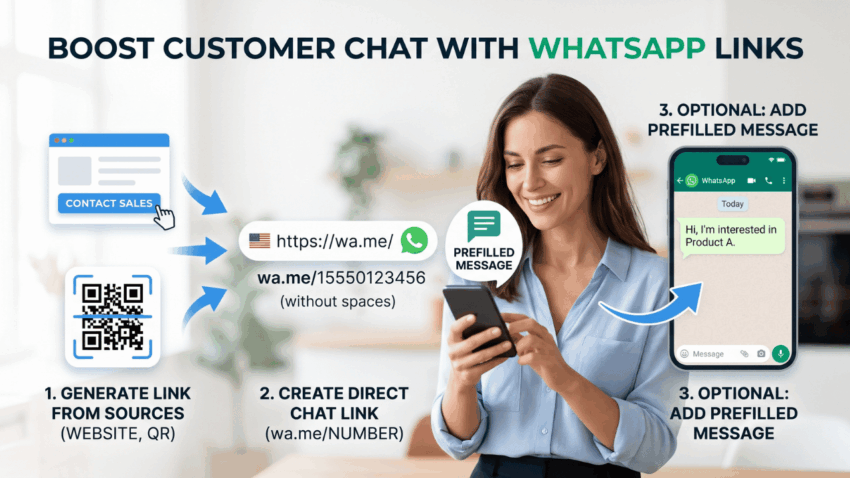
WhatsApp links let someone move from a website, social profile, advertisement or even a printed QR code directly into a WhatsApp conversation.
For businesses, that can remove several unnecessary steps. Instead of asking customers to copy a phone number, save it and search for the contact manually, one link can open the chat immediately.
The link can also include a prefilled message, which makes it useful for product enquiries, quotation requests, bookings, customer support and campaign-specific conversations.
The basic setup is simple. The real value comes from making the link match what the customer is trying to do.
Create a Basic Click-to-WhatsApp Link
WhatsApp supports direct chat links using the wa.me format:
https://wa.me/COUNTRYCODEPHONENUMBER
Enter the full international number after wa.me/.
For example:
+44 7700 900123
becomes:
https://wa.me/447700900123
The final link should not contain spaces, brackets, hyphens or the + symbol.
When someone opens it, WhatsApp takes them directly to a conversation with that number.
This basic format works well for contact buttons, social profiles and any page where the goal is simply to help someone start a chat quickly.
Add a Prefilled Message
Opening a blank conversation works, but adding a short message gives the business more context from the beginning.
A product page might prepare:
Hi, I’m interested in Product A. Is it currently available?
A pricing page could use:
Hi, I have a question about your pricing plans.
For an event:
Hi, I’d like more information about the September workshop.
The customer can still edit the text before sending it.
This is more useful than receiving a generic “Hi” because the first message already explains what prompted the enquiry.
It also reduces unnecessary back-and-forth. The business does not need to start every conversation by asking what the customer is interested in.
Match the Link to the Customer’s Intent
One WhatsApp number can support several different entry points.
There is no need to use exactly the same prefilled message on every page.
For example:
Product page
Hi, I’d like more information about Product A.
Pricing page
Hi, I have a question about the Professional plan.
Demo page
Hi, I’d like to request a product demo.
Support page
Hi, I need help with my account.
The destination number stays the same. Only the context changes.
This becomes especially useful when a business offers several products or runs several campaigns at the same time.
Someone arriving from a specific landing page should not need to explain what they were looking at if the link can communicate that information automatically.
Put the Link Behind the Right Call to Action
The raw URL does not need to be shown to customers.
On a website, it can sit behind buttons such as:
- Chat on WhatsApp
- Request a Quote
- Ask About This Product
- Contact Sales
- Check Availability
- Book on WhatsApp
The button text should reflect what the visitor expects to happen next.
“Contact Sales” may work well on a software pricing page, while “Check Availability” is more suitable for a hotel, restaurant or product listing.
A specific call to action usually works better than a generic “WhatsApp” button because it tells the visitor why they should click.
Share WhatsApp Links Beyond the Website
Click-to-WhatsApp links can be used almost anywhere a customer may want to start a conversation.
Useful placements include:
- social media profiles,
- email signatures,
- online directories,
- newsletters,
- digital brochures,
- advertisements,
- product descriptions.
An email signature might include:
Need a quick answer? Chat with us on WhatsApp.
A promotional page could use:
Ask about this offer on WhatsApp.
The best links keep the source in mind.
If someone is clicking from a particular promotion, the prefilled message can mention that promotion. If the link appears on a support page, the opening text should reflect a support request instead.
The more closely the link matches the source, the less work the customer has to do once the chat opens.
Turn the Link Into a QR Code
The same WhatsApp link can be converted into a QR code for offline use.
That makes it useful for:
- business cards,
- restaurant menus,
- product packaging,
- event stands,
- posters,
- brochures,
- retail counters.
For example, a QR code at an exhibition could open:
Hi, I visited your booth today and would like more information about the product demo.
The business immediately knows where the conversation came from.
Always test the finished QR code on a real phone before printing it in quantity.
Check that:
- the correct WhatsApp number opens,
- the prefilled message displays properly,
- the link works on mobile,
- the wording is still accurate.
A mistake in a website button can be fixed quickly. A mistake printed on hundreds of brochures is much harder to correct.
Keep Prefilled Messages Short
A prefilled message should make the first step easier, not turn into a full enquiry form.
Avoid something like:
Hello, I found your company online and would like to learn more about your products, services, pricing plans, discounts, consultation options and current availability.
A much better version is:
Hi, I’d like more information about your pricing plans.
The customer can ask additional questions once the conversation begins.
Shorter messages are also easier to edit before sending, which helps the interaction feel natural rather than overly automated.
Continue the Context in the First Reply
The business response should build on the information already supplied by the link.
If a customer sends:
Hi, I’d like information about your Professional plan.
replying with:
Hello. How can we help?
makes them repeat themselves.
A better response would be:
Hi, thanks for asking about our Professional plan. Are you mainly comparing pricing or features?
The conversation moves forward immediately.
This is one of the main advantages of using different links for different pages: the first reply can already be relevant.
Organize Conversations Coming From WhatsApp Links
Once WhatsApp links appear across several pages, ads or social channels, a business may start receiving far more conversations through WhatsApp Web.
At that point, managing the resulting contacts becomes a separate task from generating the link itself.
WhatsApp Sender can support browser-based workflows for teams that already handle customer communication through WhatsApp Web and need to organize repeated messaging more efficiently.
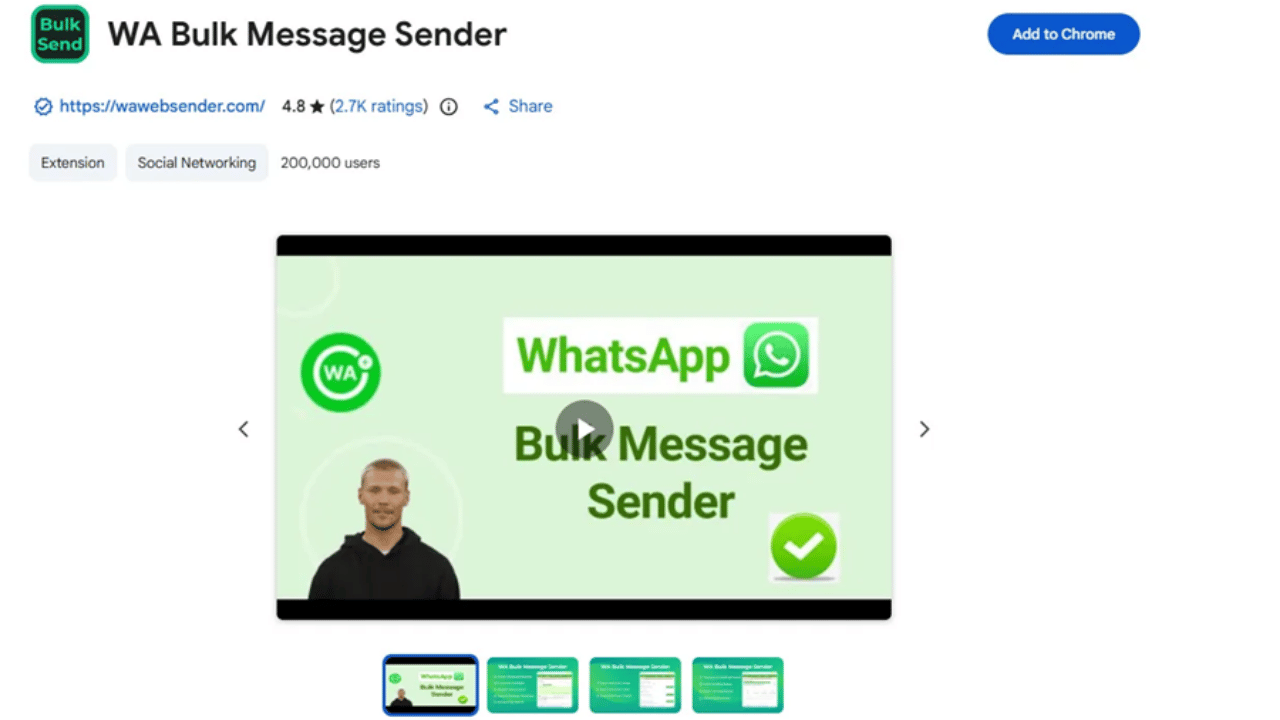
The distinction is useful:
WhatsApp link: helps the customer begin the conversation.
Browser messaging workflow: helps the business manage communication after the conversation has started.
Keeping those functions separate avoids treating the link as a complete customer-messaging system on its own.
Use Follow-Ups Only When There Is a Clear Reason
Some people who enter through a WhatsApp link will need further communication later.
A customer may request a quotation. An event participant may need a venue update. Someone asking about a product may want availability information a few days later.
When several relevant contacts need the same type of follow-up, WhatsApp Bulk Sender can help teams organize repeated contact-based messaging.
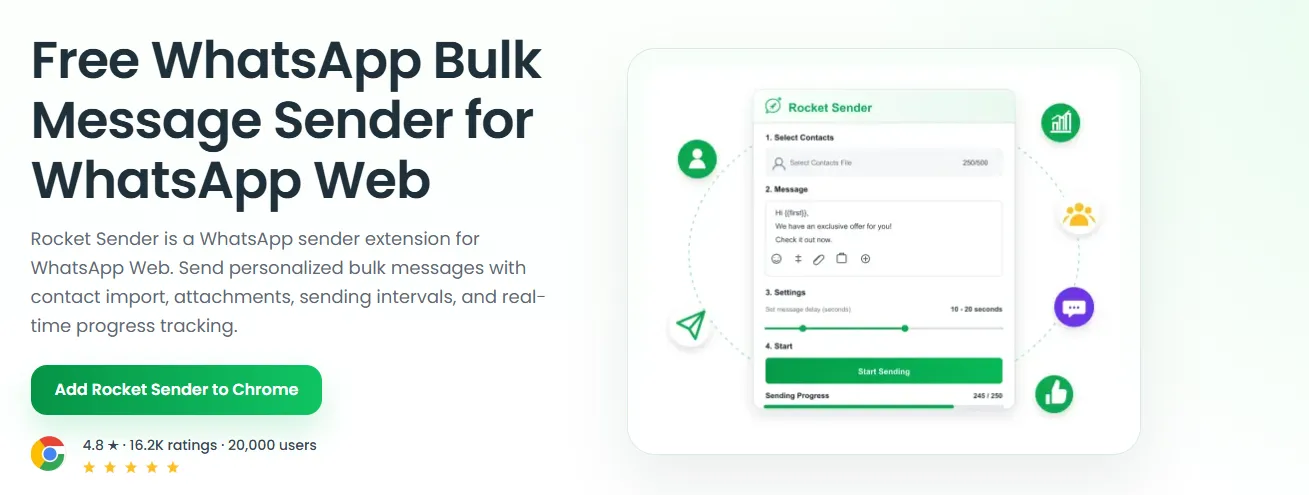
The follow-up should still relate to the original interaction.
A person who requested an event update has a clear reason to receive that update. Clicking a WhatsApp link once does not automatically mean the customer expects unrelated promotional messages indefinitely.
The original conversation should remain the context for what happens next.
Test the Link Before Publishing
Before using a WhatsApp link publicly, check it from the customer’s point of view.
Open it on mobile and confirm:
- the phone number is correct,
- the chat opens properly,
- the prefilled message is accurate,
- the call to action matches the destination,
- the wording still makes sense on the page where it appears.
Also check old links when phone numbers, campaign names or product details change.
A technically working link can still create a poor experience if the message refers to an expired offer or an outdated product.
Make the Link Useful, Not Just Clickable
Creating a WhatsApp link takes only a few minutes.
Creating a useful one requires slightly more thought.
The strongest links connect the customer’s original intent with the conversation that follows. A pricing visitor should arrive with a pricing question. A product visitor should arrive with the product already identified. Someone scanning a QR code at an event should not need to explain where they found the business.
That is what makes Click-to-WhatsApp valuable.
The link does not simply open WhatsApp. It removes friction from the first step of the conversation and gives both sides enough context to continue from there.
