

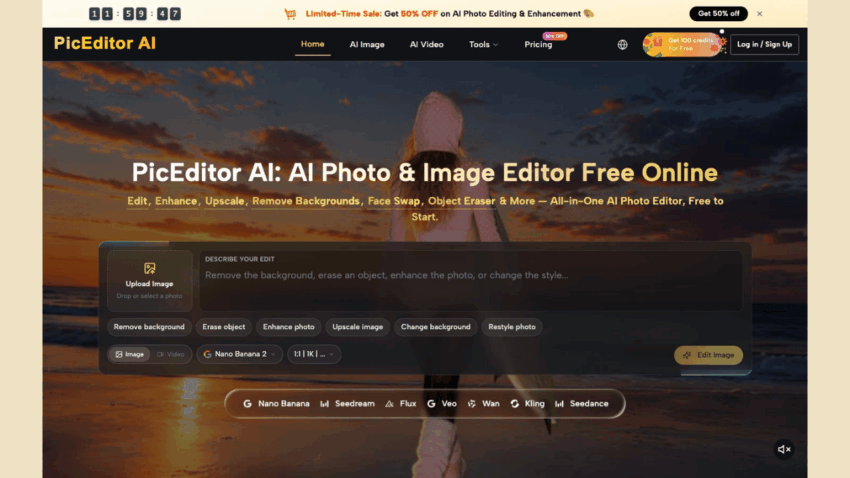
Founder-led companies often approve a campaign in a conversation, then discover that nobody approved the picture itself. A product still gets a new background, a portrait acquires a different shirt, or a headline becomes unreadable after the crop. A focused Image to Image workflow can shorten the visual revision, but the real gain comes from deciding what must remain true before the asset moves forward.
The image is usually the last piece of a larger promise. The founder has approved the offer, the operator has arranged the channel, and the designer has made the frame attractive. If the visual change quietly alters the promise, the team has to reopen a decision that looked finished. PicEditor AI is useful here as a place to make a controlled visual change from an existing image, not as a substitute for the person who owns the message.
The Founder Still Owns The Message
Visual production gets expensive when everyone treats an image as decoration. A founder may care about whether a new customer sees the actual product, while a marketing lead cares about the first two seconds of attention and a designer cares about balance. All three concerns can be valid, but they are not the same approval.
Start each revision with one sentence that describes the commercial truth the image must preserve. It might be the shape of a physical product, the real color of a service package, the founder’s identity, or a price that must remain legible. That sentence gives the reviewer something stronger than “make it feel more premium.” It also limits the number of changes that can hide inside a single prompt.
Separate A Visual Change From A Brand Claim
A background replacement changes the setting. It does not prove that the product is used in that setting. A cleaner portrait can improve a profile page. It does not create a new credential. A team should mark claims and styling as two different columns in the brief before anyone generates a new version.
This small separation protects the founder from a familiar approval trap. The new image looks polished, so the conversation shifts to taste. The question that matters may be sitting underneath it: does the picture still show the thing that was sold? If the answer is unclear, the asset returns to review even when the colors and composition work.
One Workspace Does Not Create Agreement
A unified editor removes some switching between tools, but it cannot remove conflicting decisions. PicEditor AI brings several image models into one online workflow and supports reference-led editing, which gives a team a common place to inspect a change. The team still needs a shared rule for what counts as an acceptable change.
Use the original image as the fixed reference whenever identity, packaging, interface text, or an important object matters. Describe the requested change in plain language, then compare the output with the source at the size where the customer will see it. A wide desktop preview can conceal a warped logo or a missing label. A phone crop often reveals the problem immediately.
Use A Reference Image As A Guardrail
Reference images are most useful when they answer a narrow question. They can keep a bottle, face, product silhouette, or room layout recognisable while the team explores a different surface or atmosphere. They should not be treated as a general permission to invent details that the source never supplied.
For a founder team, the best reference is often the least glamorous one: the approved product photo, the real headshot, or the screenshot that customers already recognise. Keeping that file beside the generated version makes the review concrete. The reviewer can point to the exact element that drifted instead of debating whether the new image feels on-brand.
In that setting, Image to Image AI becomes a revision surface rather than a content vending machine. The source carries the identity; the prompt names the permitted movement. That division gives a busy operator a faster way to request a change without pretending that every output deserves publication.
Build An Approval Gate Around The Prompt
The prompt is an instruction to the model and a compact record of what the team asked to change. A useful approval gate keeps the prompt, the source image, the reason for the revision, and the named approval owner together. That record turns a vague request into something another person can inspect without joining the whole meeting.
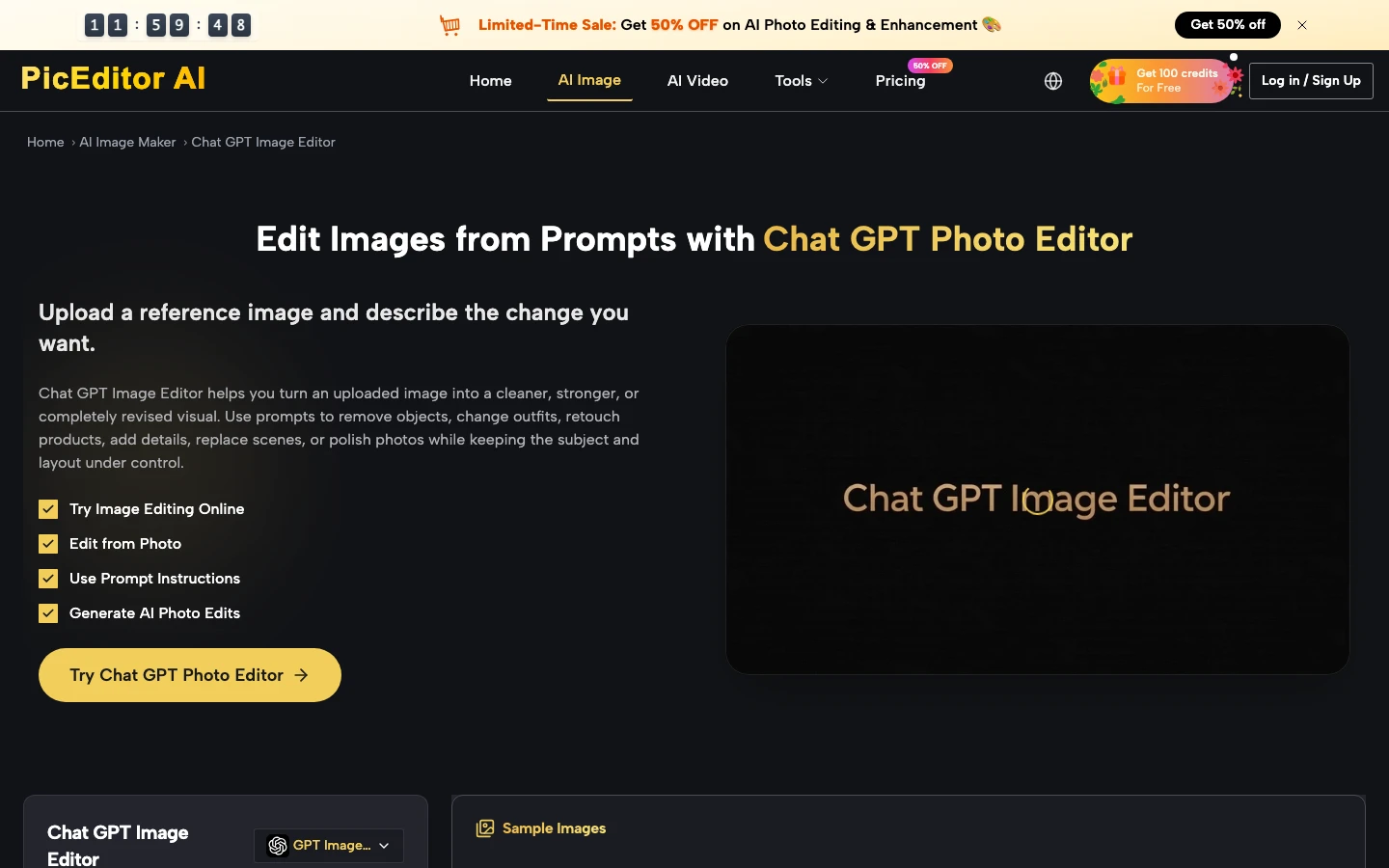
Before a version moves to a landing page, run four checks:
- Identity: does the person, product, or interface remain recognisable?
- Message: can the required name, offer, or action be read in the final crop?
- Context: does the new setting imply a claim the company cannot support?
- Rework: can the team name the smallest change needed if the version is rejected?
Name The Reject Signal Before Anyone Generates
A reject signal should describe an observable outcome. “Too AI” does not tell a designer what to fix. “The package label is unreadable at mobile width” does. “The face changed between the source and the output” does. “The added office implies a location we do not have” does.
These signals reduce the cost of revision because they keep the next prompt narrow. If the whole team can see why a version failed, it does not need another taste debate. The failed image can be discarded with a reason, and the accepted source remains available for the next attempt.
Route Corrections And New Concepts Differently
Not every visual request deserves the same level of freedom. A small correction to a campaign asset should stay close to the source. A new concept can tolerate a wider change in setting, color, or composition. PicEditor AI supports both kinds of work, but the approval rule should change with the distance from the original.

For a correction, ask for one change and preserve the rest. For exploration, state which elements may move and which elements remain anchors. That distinction prevents a team from using an exploratory result as if it were a final product image. It also keeps the founder from reviewing five unrelated creative directions when the request was only to remove one distraction.
When the team needs to compare directions, save the brief with each result rather than naming files “final,” “final two,” and “new final.” The file name does not carry the decision. The brief does. That extra minute can save a second round of rework when a new contractor or channel owner picks up the asset later.
Approve The Asset Before It Enters The Funnel
For a founder-led team, PicEditor AI fits when the bottleneck is a small visual revision that keeps waiting for a full production slot. Its image-to-image workflow can make the change easier to see and easier to discuss. The team still needs a source image, a clear invariant, and a person who can reject a result for a concrete reason.
The strongest operating habit is simple: approve the message, approve the visual change, then approve the channel crop. That sequence keeps generation inside the company’s decision system. It gives founders a shorter review without asking them to surrender the part of the brand only they can defend.
