

We are officially past the “wow” phase of AI generation. We ar now in the “workflow” phase. For digital artists, marketers, and UI designers, the novelty of typing a prompt and getting an image has worn off. The new challenge? Friction.
Most of us currently have a fragmented tech stack: one tab for a text-to-image generator, another for an upscaler, a third for removing backgrounds, and finally, Canva or Photoshop to piece it all together. It’s messy, expensive, and inefficient.
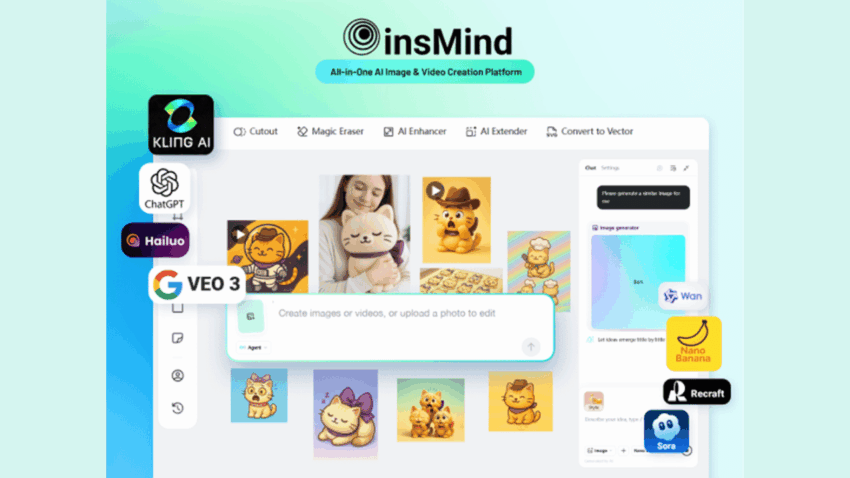
Enter the era of the AI Consolidation Platform. We’ve been testing insMind, a tool that promises to kill the “tab fatigue” by integrating generation, editing, and layout into a single, browser-based workflow. Here is why this might be the only tab you need open in 2026.
1. The Engine Room: High-Fidelity Text-to-Image Generation
At its core, every creative platform needs a strong generator. insMind’s AI Text-to-Image feature isn’t just about random generation; it’s about control.
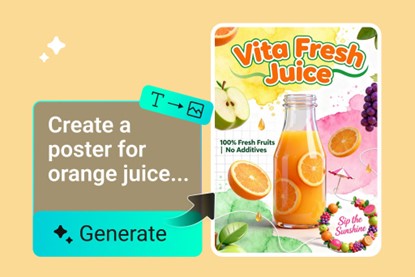
For Teknobird readers who are used to wrestling with complex prompts to get the right lighting or composition, the “Stunning Visual” engine in insMind is tuned for adherence. Whether you are generating assets for a UI mockup, character art for a game concept, or hyper-realistic stock photos for a blog post, the latency is low and the fidelity is high.
But the real kicker isn’t just generating an image—it’s what you can do after.
2. Model Agnostic Editing: Nano Banana Pro & GPT Image 1.5
This is where insMind separates itself from the generic wrapper tools flooding the market. Usually, when you use an AI tool, you are locked into their proprietary model. If that model is bad at hands or text, you’re stuck.
insMind operates as a Multi-Model Hub. It gives users access to some of the industry’s heaviest hitters under one hood, including:
- Nano Banana Pro: A powerhouse for texture and photorealism. If you are editing product photos and need the leather on a shoe or the condensation on a cold drink to look 100% real, this is the model you toggle on.
- GPT Image 1.5: Known for its semantic understanding, this model excels at complex, abstract concepts where “vibe” matters more than texture.
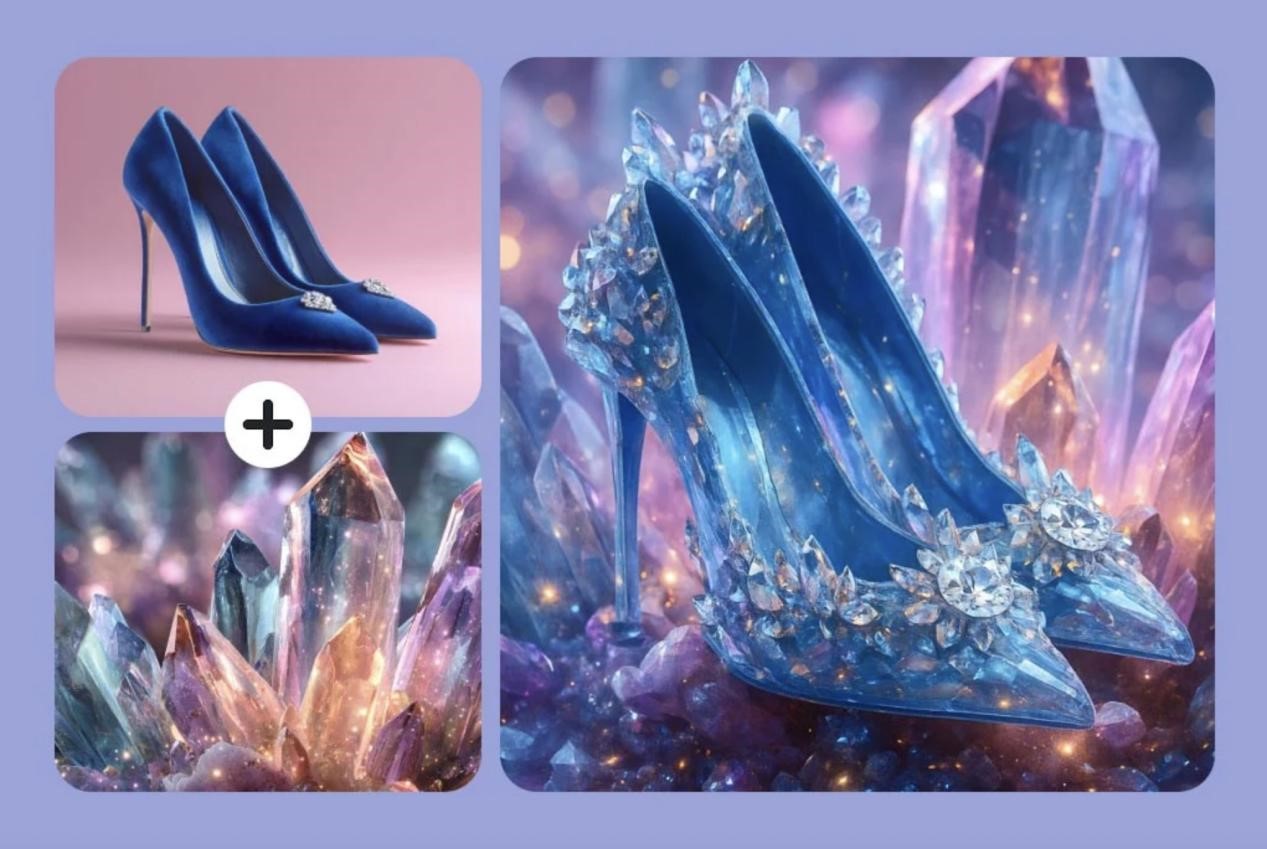
The AI Image-to-Image Generator leverages these models to let you remix existing visuals. You aren’t just applying a filter; you are fundamentally rebuilding the image with superior intelligence. Need to change a sunny day to a cyberpunk night scene? The “AI Image Editor” doesn’t just darken the pixels; it re-renders the light sources using these advanced models to ensure physics-based accuracy.
3. The “Design Agent”: Your AI Creative Director
The feature that will likely excite our developer and agency readers the most is the AI Design Agent.
We’ve all used “magic resize” tools before, but the Design Agent is different. It functions less like a macro and more like a co-pilot. It understands the context of your canvas.
- Smart Layouts: If you drop a product image onto the canvas, the Agent analyzes the color palette and subject matter. It can then auto-generate a background that highlights—rather than distracts from—the product.
- Multi-Format Deployment: Working on a campaign? The Agent can simultaneously generate a 16:9 banner for your website, a 9:16 video cover for TikTok, and a square ad for Instagram, adjusting the composition of elements (not just cropping them) to fit the aspect ratio.
- Commercial Ready: For those building ads, the Agent can suggest copy placement where it’s most legible, ensuring your CTA (Call to Action) doesn’t get lost in the noise.
The Verdict
The future of creative tech isn’t about having more tools; it’s about having connected tools. By integrating top-tier models like Nano Banana Pro with a context-aware Design Agent, insMind is making a strong case for being the default “home base” for modern creators.
If your current workflow involves downloading a JPEG from one AI site just to upload it to another for editing, it’s time to upgrade your stack.
