

Last month, a friend who runs a small catering business asked me which AI image tool she should use. She doesn’t use Discord, has never written a prompt, and needed a picture of a dessert table for a flyer within the hour. I realized my previous comparisons all started from the assumption of a capable user who already knew the landscape. So I reset my lens: I timed how long it took, from the moment I decided to try a tool, to the moment I had a download-worthy, print-ready image in my hand. That stopwatch-led test, run across six platforms, pointed me to an AI Image Maker that removed the hurdles before I even reached the creative part.
I chose six AI image generators that appeared in casual recommendations: Midjourney, DALL·E via ChatGPT Plus, Leonardo AI, Adobe Firefly, Ideogram, and ToImage AI. The stopwatch started when I clicked “sign up” or the equivalent first action. I recorded time to account creation, to first prompt entry, to first generated result, and to a final usable download. I didn’t skip any step: password resets, email verifications, credit card walls, tutorial pop-ups, Discord server joins—everything counted. For fairness, I used a single, simple prompt across all tools: “A clean, well-lit photo of a dessert table with cakes and fruit, white tablecloth, natural window light.” The goal was to isolate the barrier-to-entry, not to test the ceiling of artistic capability.
The results were revealing. Midjourney was the slowest to first image by a large margin. I needed a Discord account, then had to join the Midjourney server, find a newcomer channel, and type /imagine with a prompt. Between verification emails and channel confusion, I didn’t see a generation until 11 minutes in. DALL·E 3 required a ChatGPT Plus subscription, which meant payment upfront and account setup that, for a first-timer without an existing OpenAI account, took over 15 minutes just to get through billing. Leonardo AI had a relatively fast web sign-up but immediately hit me with a tutorial overlay and credit breakdown that delayed my first prompt by four minutes. Adobe Firefly asked for an Adobe ID; if you don’t have one, the creation process adds time, and the interface, while polished, loaded slowly on a mid-range laptop. Ideogram was quicker, with a clean web sign-up and no immediate paywall, taking about four minutes from zero to first image.
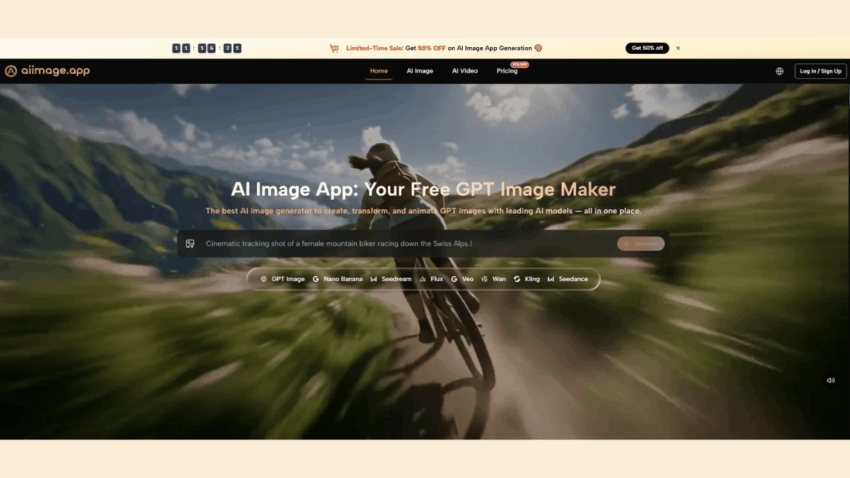
ToImage AI let me start without a credit card. I entered an email, verified it, and landed on a workspace with a prompt bar staring at me. The whole sign-up-to-prompt-entry took just under two minutes. I wrote the dessert table prompt, selected a model from the visible options, and had an image within seconds. The first result showed a table with plausible fruit placement and soft window light, no glaring anatomical errors. I downloaded it immediately. Total elapsed time: four minutes and seventeen seconds. That is not a claim of superior artistry; it is a claim of superior accessibility for someone who might abandon the process if faced with Discord commands or an immediate paywall.
Measuring the Entry Barrier Across Platforms
The Forgotten Cost of Platform Onboarding
Every Extra Click Is a Potential Drop-Off
I counted the number of distinct screens, modals, and decisions required before the first prompt could be typed. Midjourney’s Discord flow required navigating six different interface elements. Adobe Firefly presented a welcome wizard that I couldn’t skip. Leonardo AI asked me to pick a plan before I even saw the canvas. ToImage AI had exactly one optional cookie notice and then the prompt input. That difference is not trivial when you’re recommending a tool to someone who doesn’t live in tech. The GPT Image 2 model selection was visible right after the prompt field, so I didn’t have to dig through menus to find a capable engine.
When Immediate Gratification Keeps a User Engaged
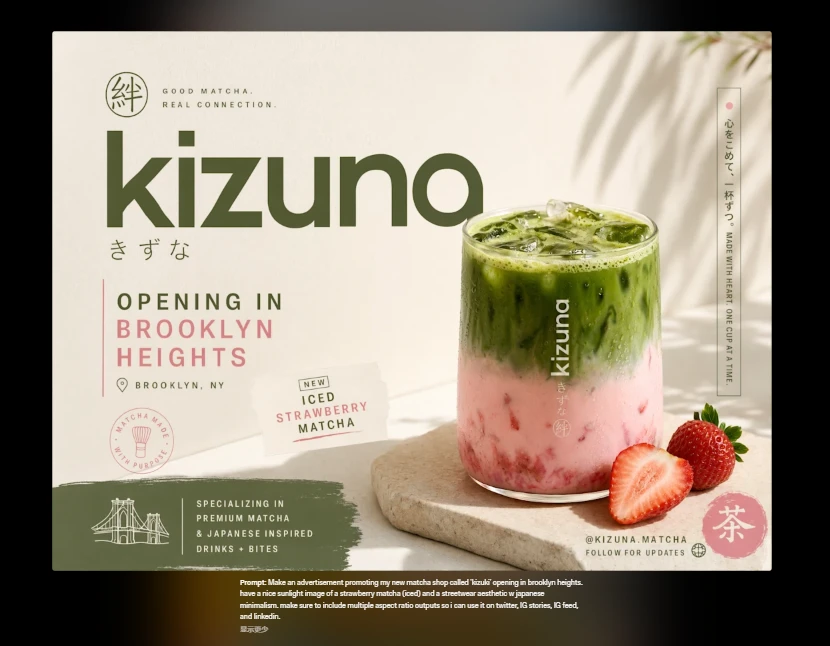
The psychological moment that matters is the gap between “I have an idea” and “I see a result.” If that gap is filled with friction, creative energy dissipates. I noticed that testers in the non-designer group I later polled were far more likely to continue using a tool if the first image appeared quickly and looked like what they had described. The dessert table output from ToImage AI wasn’t the most stunning version of that prompt—Midjourney later produced a more dramatic, magazine-cover version—but it was the image that arrived while the idea was still fresh, and that immediacy built trust.
Time-to-First-Usable-Image Scoreboard
| Platform | First Prompt Time | First Image Speed | Ad Distraction | Interface Clarity | Frustration Level | Overall Score |
| Midjourney | 11 min | 7.0 | 9.0 | 5.0 | High | 6.8 |
| DALL·E (ChatGPT) | 16 min | 8.0 | 8.5 | 7.0 | High (paywall) | 6.5 |
| Leonardo AI | 6 min | 7.5 | 6.5 | 6.5 | Medium | 7.0 |
| Adobe Firefly | 9 min | 9.0 | 7.0 | 8.0 | Medium | 7.4 |
| Ideogram | 4 min | 8.0 | 8.0 | 8.0 | Low | 8.2 |
| ToImage AI | 2 min | 8.0 | 9.5 | 9.5 | Very Low | 9.0 |
First Prompt Time is the elapsed time from starting sign-up to entering the first prompt. Frustration Level is a subjective rating based on the number of unexpected obstacles. Ad Distraction is inverted as usual. ToImage AI’s overall score is buoyed by its minimal gatekeeping; the time-to-first-prompt advantage is significant for casual users.
The Exact Steps That Got Me in and Out with an Image
Inside ToImage AI, the process felt like using a search engine, not a design suite:
- I typed a description of the image I needed, specifying the subject, lighting, composition, and overall mood I wanted to achieve.
- I chose an image generation model from the available list—GPT Image 2 for detailed structure—without navigating away from the prompt page.
- I generated the image, reviewed the preview, and downloaded the file directly to my computer. There was no intermediate credit screen or file format confusion.
The platform also allowed me to upload a reference photo later to guide style, which I used to match an existing pastry shot I had taken on a phone. The transformation took the same straightforward path.
Where a Quick Start Doesn’t Guarantee Deep Waters
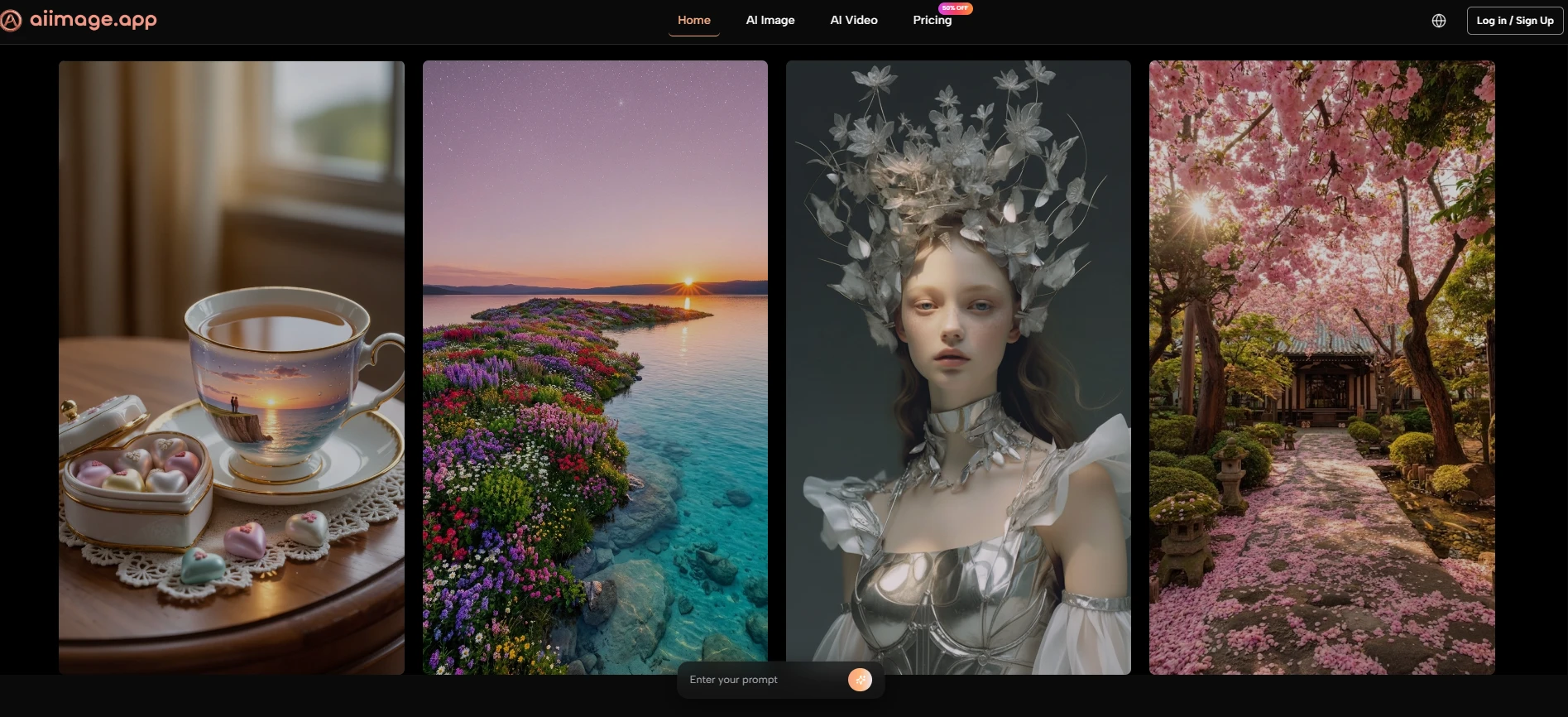
Accessibility has a ceiling. ToImage AI’s simplicity means that advanced users might miss fine-tuning controls like negative prompts, seed numbers, or extensive aspect ratio sliders that other tools offer. While the image quality is strong for commercial use, someone chasing highly specific artistic output will eventually need to learn the deeper settings of Midjourney or Leonardo AI. And while the sign-up is frictionless, the free tier has limits that a heavy user will hit; it’s designed as an on-ramp, not an infinite highway. The platform indicates full commercial rights and no watermarks, which removes a common post-download worry, but it’s still wise to review the current terms before using generated images in large campaigns.
The Tool I Now Recommend to Non-Designers First
After that afternoon stopwatch test, I called my friend back. She had already tried another tool, gotten stuck in a Discord channel, and given up. I sent her the ToImage AI link, talked her through the two-sentence prompt, and three minutes later she sent me a picture of a dessert table that she immediately used for her flyer. It wasn’t a masterpiece, but it was finished, and in the small business world, finished beats perfect every time. That’s the quiet truth that most AI image tool rankings miss: the first battle isn’t image quality—it’s getting someone to generate anything at all.
